Digitize Every Paper in Your Life With a One-Tap System
Aaron Hayslip·December 12, 2025·1 min read
What if managing your mail didn’t fall on you anymore? Here’s how to make that happen.
If you’re like me, you have a massive pile of bills, mail, and paper stacked up somewhere in the corner of your kitchen and about once a month, you bite the bullet and spend a couple of hours going through it all.
But what if your Assistant could do all that for you?
Adopt this workflow that I’ve built for you, and they can.
📄 The Dropbox → Notion → EA Pipeline
This system lets you scan any physical document with your phone and have it automatically appear in your Notion task inbox. From there, your assistant takes over - filing documents, paying bills, updating information, and closing loops without you touching a keyboard.
It works in three steps:
1. Capture Anything With Your Phone (Takes 5 Seconds)
Using the basic Dropbox app on your iPhone:
Open Dropbox
Tap the + button
Select Scan Document
Hold your phone over the bill or file
Upload it to your designated folder (I call mine Bills & Files)
That’s it. The scan is automatically pushed into Notion via Zapier.
No renaming. No organizing. No tags.
You literally just point, tap, and drop your phone back in your pocket.
2. Notion Turns Every Upload Into a Task Automatically
Inside your Notion OS, the scan appears in your Task Inbox as:
Pay Bill or File — [Document Name]
Your assistant now has everything they need:
The document
A clear task
A direct link to download the file
The option to assign a due date, add notes, or fill in account details
You do zero administrative work.
3. Your EA Completes the Workflow Without You
From here, your assistant:
Downloads the file
Pays the bill or files the document into the correct place in your OS
Adds context (account numbers, due dates, project tags)
Moves the task into the appropriate workflow (e.g., Ongoing → Pay Bills)
This system means you never lose a bill, never misplace a document, and never have a physical pile waiting for you again.
🛠️ Included for You
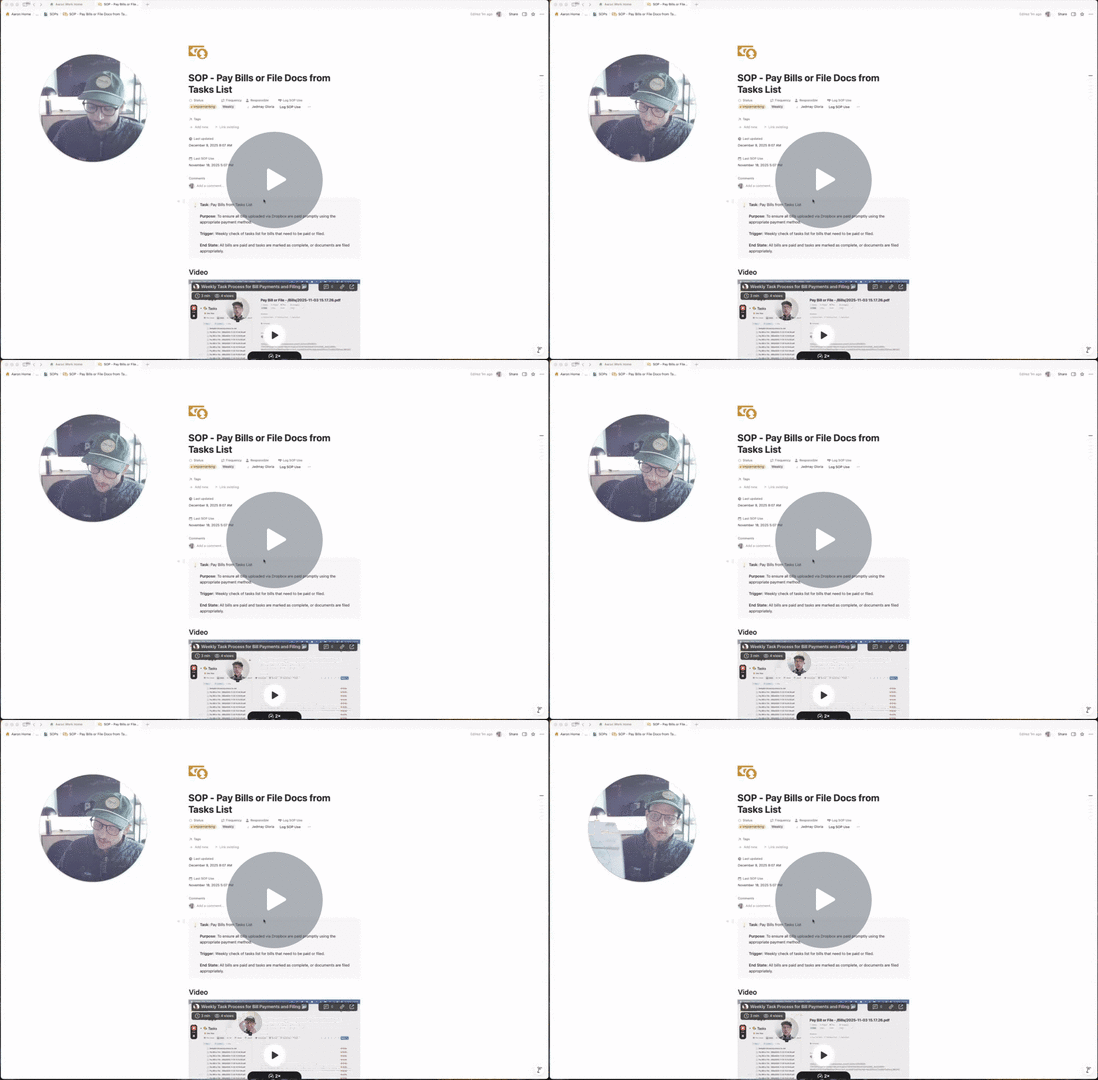
Below are links to the actual SOPs used in this flow:
If you or your assistant need help installing it, just reach out - happy to walk you through it.
Final Thought
The more you digitize, the easier delegation becomes.
The easier delegation becomes, the more time and space you reclaim.
If you haven’t set up this workflow with your assistant yet, this is your sign to do it. It’s simple, powerful, and eliminates one of the biggest friction points for busy leaders.
Until next month - keep delegating,
Aaron
Have questions? Hit reply to this email and we'll help out!